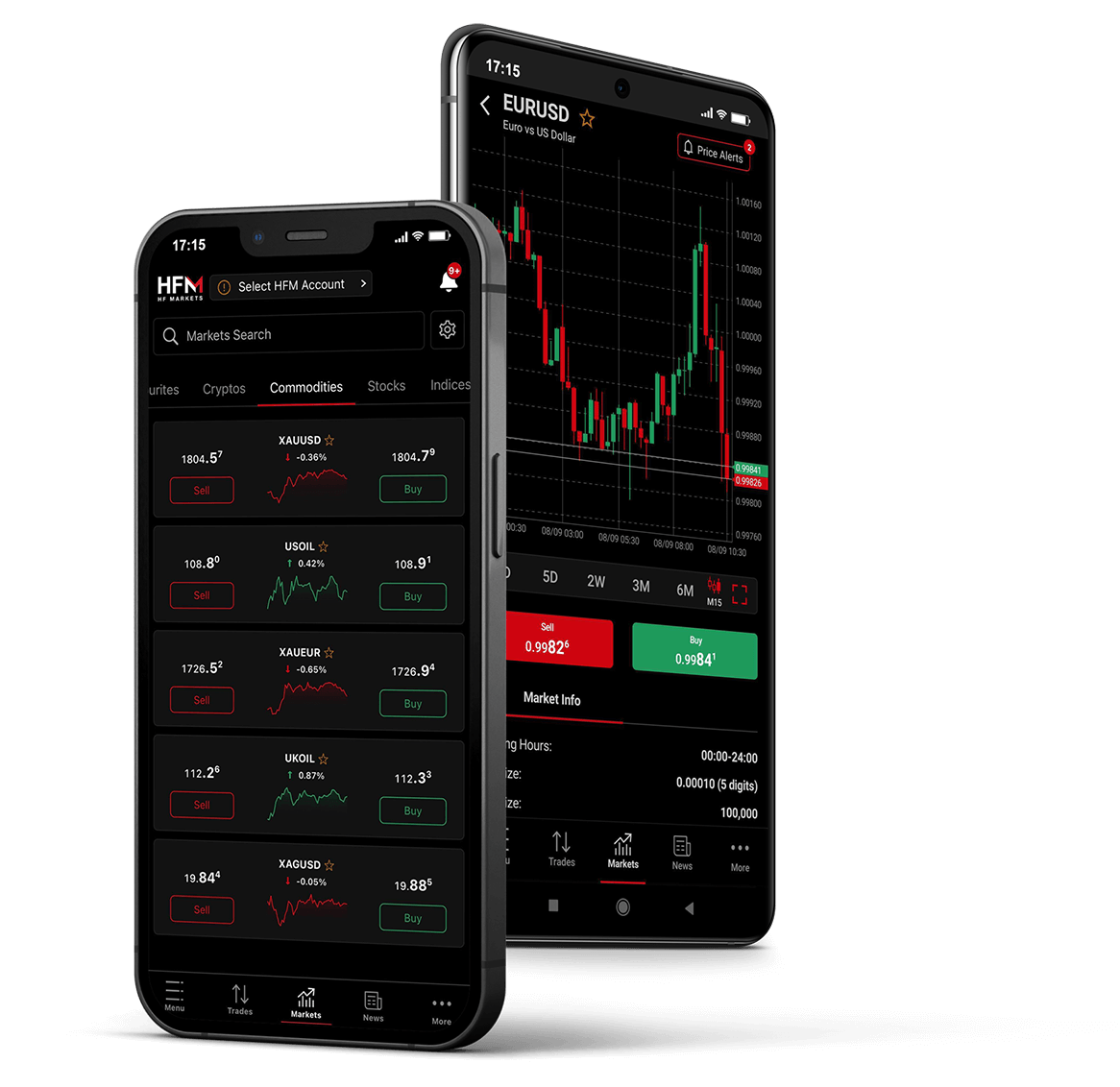
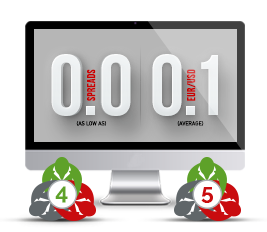
As an HFM ZERO account holder, you will receive RAW,
Super-Tight Spreads from leading liquidity providers with NO markups!
1. Open the MT4/MT5 on your PC and log-in to your Zero Account.
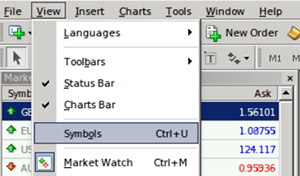
2. From the menu bar, click on View and select Symbols.
You may also simply open the Symbols window by entering Ctrl + U on your keyboard.
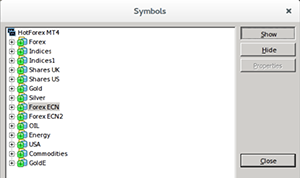
3. Select Forex ECN and click on Show button.
Repeat the same procedure for Forex ECN2 to list all Zero Spread instruments under the Market Watch section.
To hide the non-Zero instruments, select the required symbols and click on Hide.
Click on Close to return to MT4/MT5.
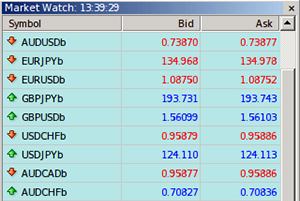
4. Under the Market Watch, you will now be able to view all the Zero Spread instruments which may be identified by the suffix b at the end of the symbol, such as, EURUSDb.
In addition to being easily identified by the suffix b at the end of the symbol, Zero Spread instruments are listed against a light blue layout (refer to illustration opposite).
Important:
Other non-Zero Spread symbols may also be listed on the Market Watch, however, those will not have b at the end of the symbol and will not be listed against the light blue background.
Política de privacidade | Documentação legal | Cookies
Legal: a HF Markets (SV) Ltd está registrada em São Vicente e Granadinas como uma International Business Company, sob o número de registro 22747 IBC 2015.
Este site é operado e fornece conteúdo pelo grupo de empresas HF Markets, que inclui:
Alerta de risco: a negociação de produtos alavancados, como Forex e Derivativos, pode não ser adequada para todos os investidores, pois envolve um alto nível de risco para o seu capital. Certifique-se de compreender plenamente os riscos envolvidos, levando em consideração seus objetivos de investimento e nível de experiência, e, se necessário, busque aconselhamento independente. Leia a versão completa em Divulgação de Riscos.
HFM não oferece serviços para residentes de determinadas jurisdições, incluindo Estados Unidos, Canadá, Sudão, Síria, Irã, Coreia do Norte, Emirados Árabes Unidos, Turquia e outras.

 English
 العربية
 বাংলা
বাংলা
 简体
简体
 Español
 Français
 Indonesia
 日本語
日本語
 한국어
한국어
 Melayu
 Português
 ภาษาไทย
 Việt Nam
 繁体
繁体
 اردو
اردو
 हिंदी
हिंदी